Dashboards, reports and bookkeeping workflows that keep your numbers clear and current.
Dashboards, reports and bookkeeping workflows
Written scope before work starts
Works alongside your accountant, not instead
Overview
One current view of the numbers that matter
In many small businesses, the numbers live in several places: sales in one tool, invoices in another, costs in a spreadsheet. Monthly reports are rebuilt by hand, invoices go out late, and decisions are made on figures that are already out of date.
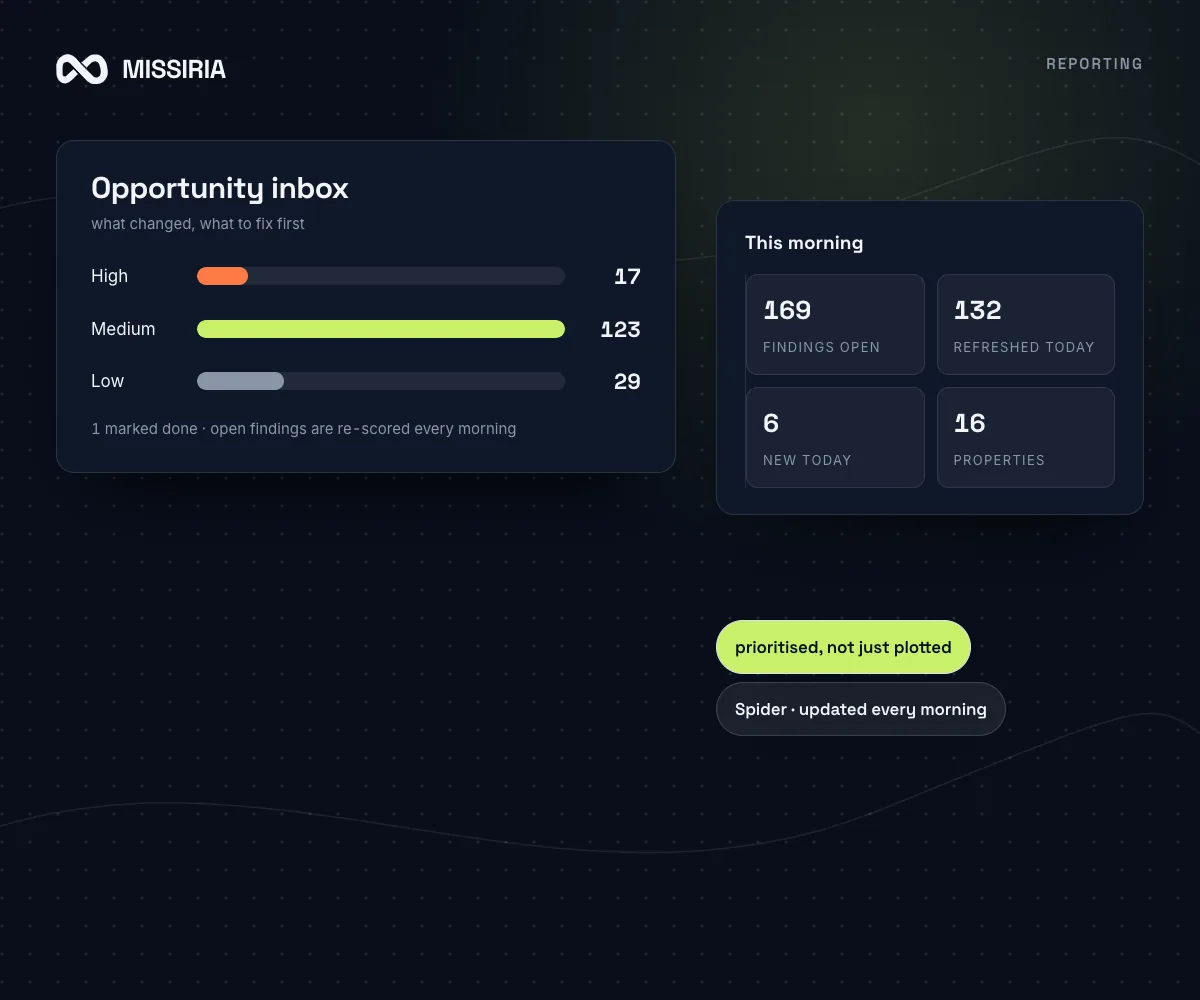
MISSIRIA brings that data together into KPI dashboards and regular reports, automates the reporting and invoicing steps that are repeated every month, and supports the day-to-day bookkeeping operations that keep records ready for your accountant.
This is reporting, workflow and bookkeeping operations work, delivered under a written scope. It is not regulated accounting or tax advice, and it works alongside your accountant rather than replacing them.
Most projects combine them. Your written scope lists exactly which ones apply.
KPI dashboards and reporting
Agree the measures that matter to the business, connect the sources they come from, and show them in one place that stays current.
KPIs defined with you, each with its source
Data connected from the tools you already use
Dashboards for management and for each team
Monthly or weekly reports with a short commentary
Reporting and invoicing automation
Automate the steps repeated every week or month, so reports and invoices go out on time without being rebuilt by hand.
Reports generated and sent on a schedule
Invoice drafts prepared from your sales or project data
Payment reminders on a set schedule
Exports prepared in the format your accountant asks for
Bookkeeping operations support
Keep the records in order between your accountant's reviews: documents collected, transactions categorised and nothing missing at period end.
Receipts and invoices collected and filed
Transactions categorised by the rules your accountant sets
Missing documents tracked and chased
Period-end files prepared for your accountant
Process
How an engagement runs
01
Discovery
We look at where your numbers live today, which reports you build by hand, and what your accountant needs from you.
02
Written scope
We propose the dashboards, reports and workflows that fit, with deliverables, timing and cost. Nothing starts until you approve it.
03
Build and check
Sources are connected and dashboards and workflows built. Figures are checked against your existing records before you rely on them.
04
Handover and review
Reports start running, your team receives the documentation, and the measures agreed in the scope are reviewed with you.
Deliverables
What you receive
Typical outputs. Your written scope lists the ones that apply to your project.
KPI definitions
Each measure, how it is calculated and where its data comes from, in one reference document.
Dashboards
The agreed KPIs in one place, updated from your sources.
Scheduled reports
Weekly or monthly reports produced and sent automatically to the people named in the scope.
Invoicing workflow
Invoice drafts and reminders prepared automatically, for you to check and send.
Bookkeeping routine
A documented routine for collecting documents and categorising transactions.
Accountant pack
Period-end exports and documents in the format your accountant asks for.
Not included
Regulated accounting, statutory accounts or audit work.
Tax advice or tax filings. These stay with your accountant or tax adviser.
Financial or investment advice.
Subscription fees for the reporting or accounting tools you use.
Who it is for
Is this the right service for you?
A good fit if you
rebuild the same reports by hand every month
have sales, invoices and costs spread across several tools
send invoices or reminders late because they are manual
want your records in order before your accountant asks
Probably not the right fit if you
need an accountant to prepare statutory accounts or file taxes
need financial or tax advice
Questions
Analysis, reporting and accounting support FAQ
Short answers to what people ask before they start. Anything else, email us.
Does the accounting support replace an accountant?
No. It covers reporting, workflow automation and bookkeeping operations. It is not regulated accounting or tax advice, and it works alongside your accountant rather than replacing them.
What is a KPI dashboard?
One place that shows the measures that matter to your business, such as sales, margins or outstanding invoices, updated from the tools where the data lives, so you do not rebuild reports by hand.
Which tools do you work with?
Work starts from the tools you already use. The reporting tool and the connections to your sources are agreed in the written scope.
Can you automate our invoicing?
Yes. Invoice drafts and payment reminders can be prepared automatically from your sales or project data, using automation tools such as n8n and Make, for you to check and send.
What does bookkeeping operations support include?
Collecting and filing receipts and invoices, categorising transactions by the rules your accountant sets, chasing missing documents and preparing period-end files for your accountant.
How do you make sure the figures are right?
Each KPI is defined with its source and calculation, and dashboards are checked against your existing records before you rely on them.
How long does it take?
It depends on how many sources and reports are involved. The timing is set in the written scope before work starts, and you approve it.
Can the work continue every month?
Yes, when it is useful. Reporting and bookkeeping support can continue under a follow-on scope agreed in writing.
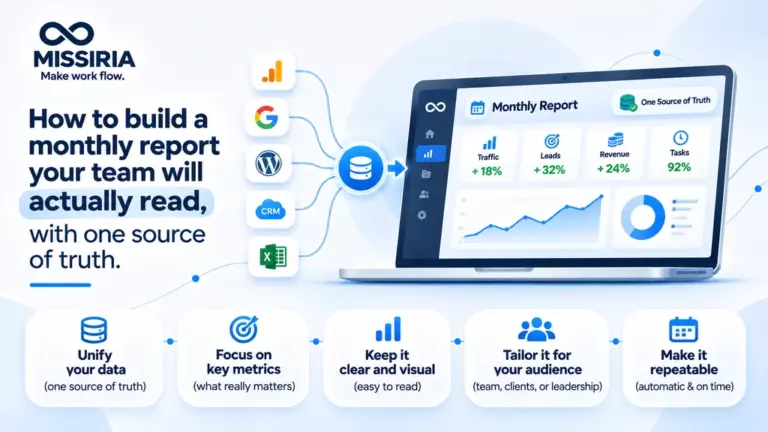
Agree readers, define each measure with one source, keep it to one page and automate the collection, so the monthly figures are trusted and read.
Next step
Tell us where your numbers live today
Send a few lines about your tools, the reports you build by hand and what your accountant needs. You get a reply by email with questions, a call slot or a written scope.